Erase the background
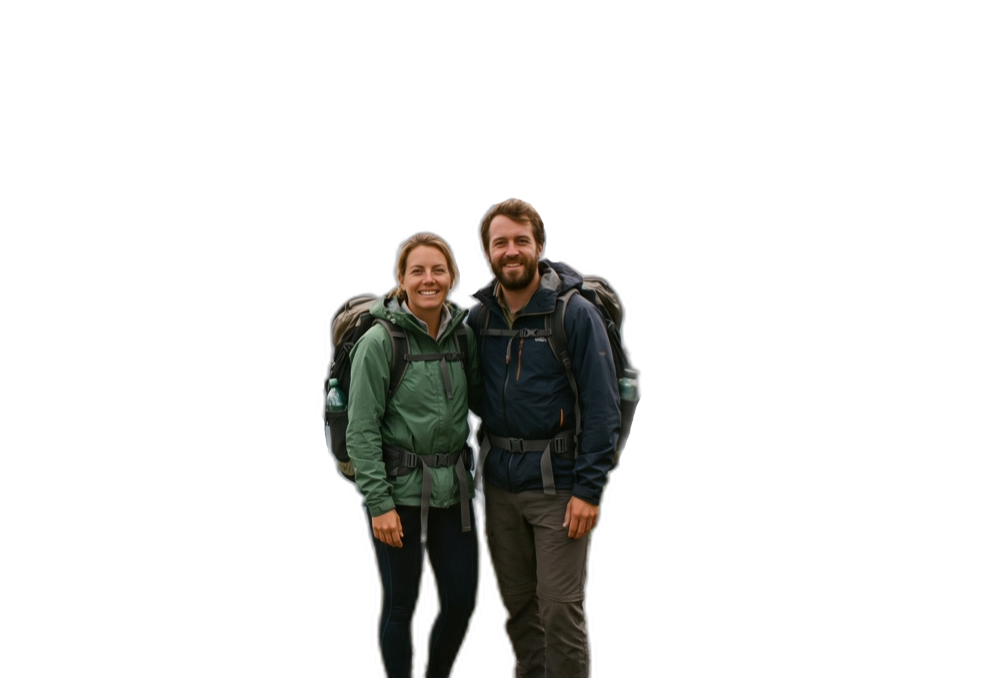
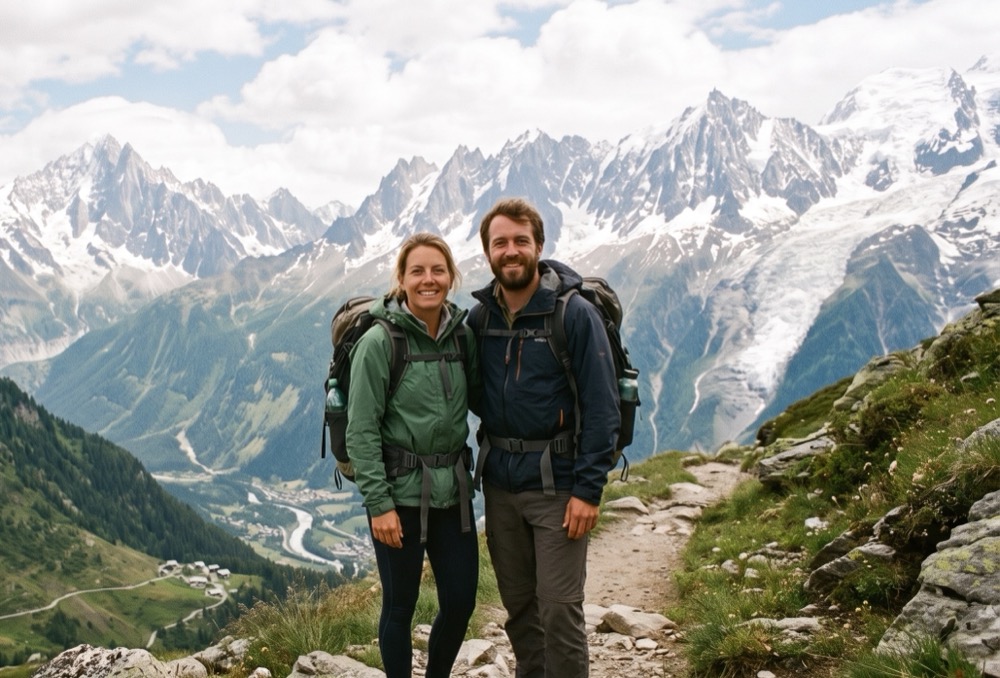
Drop an image in and download the subject cut out on a transparent PNG. The output is the same resolution as what you uploaded.
How to use it
Drop the image in
Drag it into the area above or click to choose. Background removal starts by itself as soon as the file is loaded.
Look at the result
The subject appears on a transparent background. If you are not happy, change the model or turn on edge refinement and run it again.
Touch up and download
If something is left along an edge, clear it with the brush or the area eraser, crop if you need to, then download the PNG.
Where it struggles
Background the same colour as the subject
When the object and the background share a colour and tone, the boundary goes soft; you will need to tidy the edge with the brush.
Hair, glass, smoke
Semi-transparent areas are never fully resolved. Edge refinement makes a clear difference on those edges, at the cost of some speed.
A busy frame
With several objects in shot, the wrong one may be picked as the subject. Cropping first usually fixes it.
Common questions
Why is the output a PNG?
Only PNG and WebP carry transparency; JPG knows nothing about it and turns the background white. If you do not need a transparent background, convert the result to JPG with Image Converter.
There is a faint halo around the edges
Turn on edge refinement and run it again; clear what remains with the brush. The larger the source image, the cleaner the edge comes out.
Can I put a product photo on a white background?
Download the transparent PNG and place it over whatever background you like. Choosing a background colour inside the tool is not available yet.
Does the resolution drop?
No. Apart from cropping, nothing changes the dimensions; the output is the same resolution as the image you uploaded.